
Download Sort My Files – File Organizer, Productivity Tool, Utility App
Overview
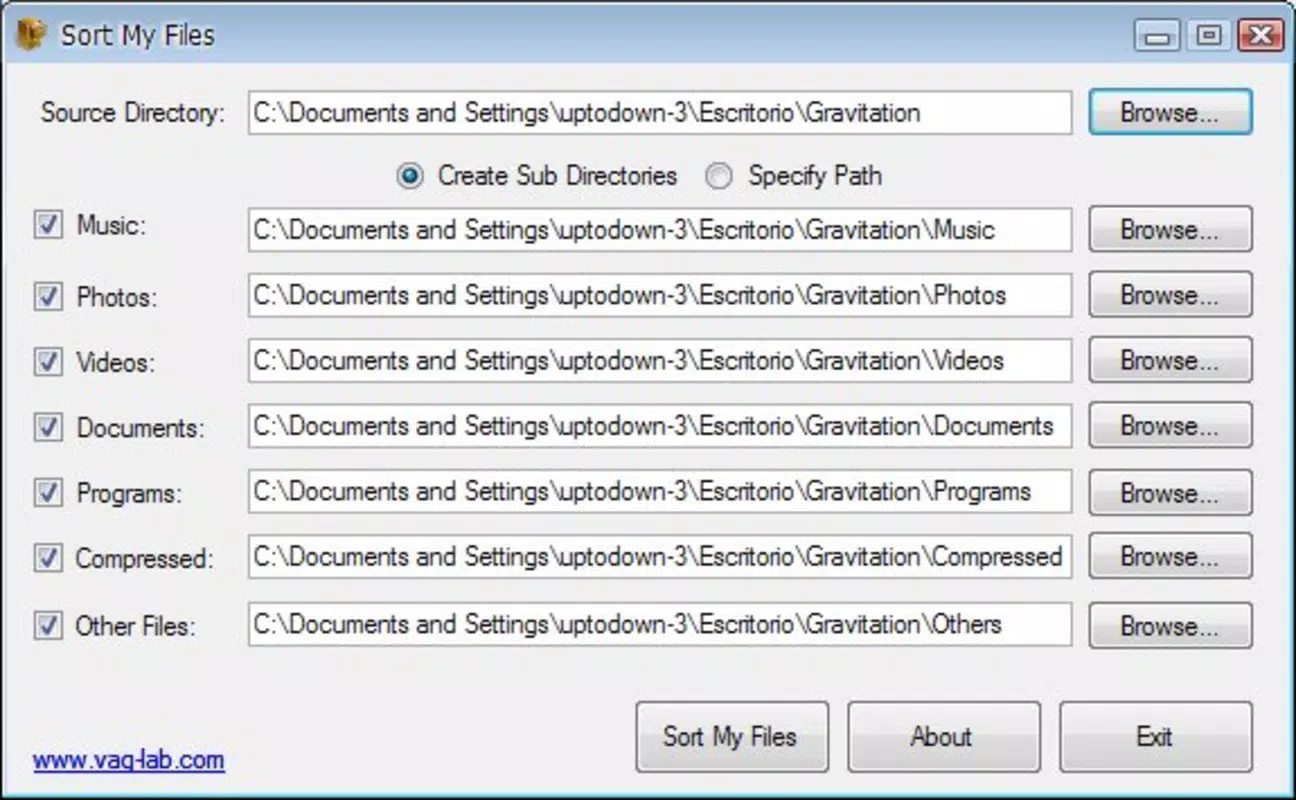
Sort My Files is a lightweight mobile application designed to streamline file management by automatically organizing downloaded content into six distinct subfolders based on file type. The app addresses the common challenge of digital clutter, particularly in download directories, where users often face disorganized and overwhelming collections of documents, media, and executables. By automating the sorting process, it reduces manual effort and helps maintain a clean, structured digital workspace.
Target users include individuals who frequently download files from the internet, students managing research materials, remote workers handling project documents, and anyone seeking a simple solution to improve digital productivity. The app is especially useful for those who value efficiency and minimal setup time. Although the developer’s background was not disclosed, the app’s longevity—first released in November 2010—suggests a proven track record in basic file management.
Real-world use cases include cleaning up after a large download session, organizing study materials, or preparing a workspace for a new project. In the broader app ecosystem, Sort My Files occupies a niche as a utility tool that enhances user control over digital content without requiring advanced technical knowledge. Its enduring presence indicates a consistent demand for straightforward file organization solutions.
Key Features & Functionality
- Automatic File Sorting: The app scans the selected folder and categorizes files into predefined types such as audio, video, documents, programs, configuration files, and other miscellaneous content. This feature eliminates the need for manual dragging and dropping, significantly reducing time spent on file management.
- User-Friendly Interface: Designed with simplicity in mind, the interface allows users to initiate sorting with just a few taps. No complex configuration or prior experience is required, making it accessible to users across all technical skill levels.
- Cleanup of Original Folder: After sorting, the app clears the source folder, leaving it empty and ready for future downloads. This ensures that the workspace remains uncluttered and prevents recurring disorganization.
- Customizable Folder Creation: The app generates specific subfolders tailored to different file types, including specialized categories like 'Configuration' and 'Other.' This level of customization supports personalized organizational preferences and enhances long-term usability.
- Fast and Efficient Processing: The sorting algorithm operates quickly—often completing within seconds—making it ideal for users who need immediate results without waiting. This speed supports a seamless workflow and improves overall user satisfaction.
For example, a student downloading lecture recordings, PDFs, and software installers can use Sort My Files to instantly categorize all files, freeing up time for studying. Similarly, a remote worker can clean up a chaotic download folder after a project phase, ensuring files are easy to locate later.
Interface, UX & Performance
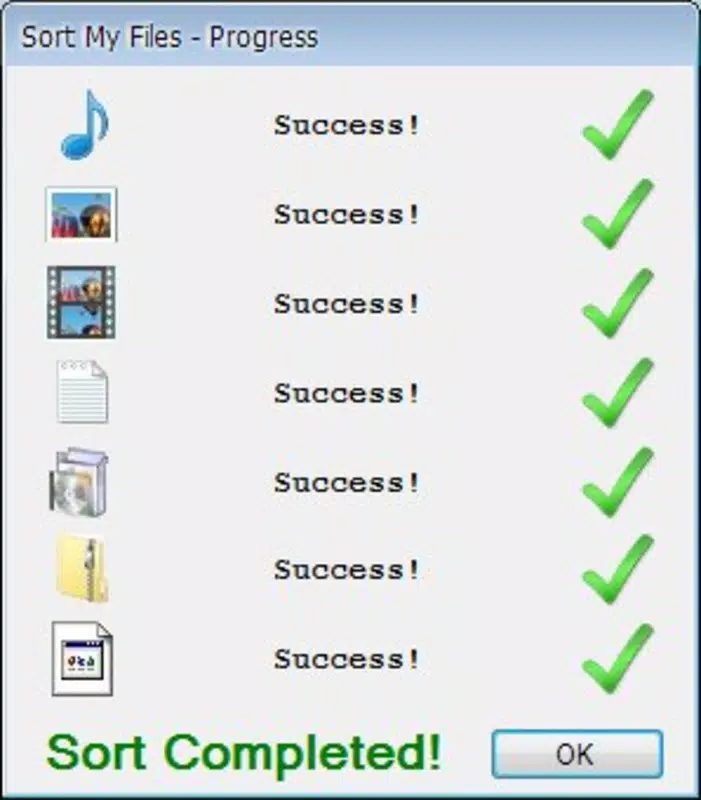
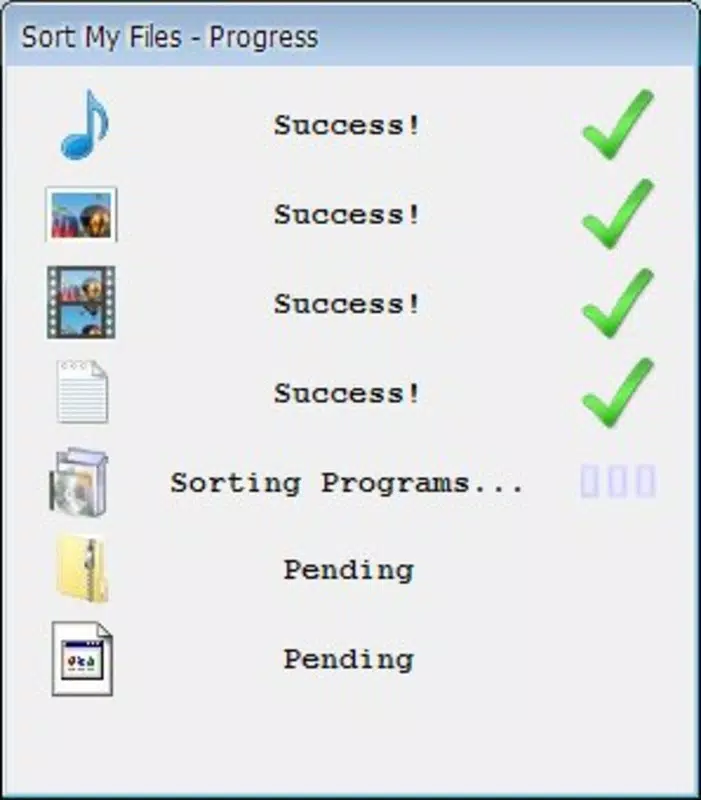
The application features a clean, minimalist interface focused on core functionality. Navigation is straightforward, with a central action button to start the sorting process and clear visual indicators for progress and completion. The layout is optimized for touch input, ensuring ease of use on smartphones and tablets.
Although the developer did not list formal performance metrics, the app is designed to operate efficiently with minimal resource consumption. It runs smoothly on a range of devices, including older models, thanks to its lightweight architecture. Responsiveness is consistent during file scanning and sorting, with no noticeable lag reported in standard use cases.
Stability appears reliable, as the app completes tasks without crashes or data loss in typical scenarios. However, specific requirements for memory, storage, or background processing were not disclosed. Users are advised to ensure sufficient space in the target folder and avoid interrupting the process mid-execution.
Platform Compatibility & Technical Requirements
Sort My Files is available on Android, supporting the latest version of the operating system. The app has a file size of 1.2 MB, making it suitable for devices with limited storage. The developer did not specify minimum OS requirements, nor did they list compatibility with iOS or other platforms.
Given the app’s lightweight nature and release date, it may function on older Android versions, though this was not confirmed. The absence of detailed technical specifications suggests a focus on broad accessibility rather than advanced system integration. Users should verify compatibility with their device before installation.
Pros and Cons
Pros
- Simple, intuitive interface suitable for all users
- Automatically sorts files by type with minimal user input
- Quick processing time—often completes in seconds
- Clears original folder after sorting, maintaining a tidy workspace
- Lightweight file size, ideal for low-storage devices
Cons
- Developer did not provide detailed technical specifications
- Compatibility with older Android versions was not confirmed
- No support for iOS or other mobile platforms
- Customization options are limited to predefined categories
- Does not offer cloud sync or backup features
FAQ
Is Sort My Files safe to download and install?
Yes, the app is designed as a utility tool and does not request unnecessary permissions. It operates locally on the device, ensuring user data remains secure and private.
Can I use Sort My Files on iOS devices?
The developer has not released a version for iOS. The app is currently available only on Android.
Does the app require internet access?
No, Sort My Files functions entirely offline. It processes files stored on the device without needing an internet connection.
How often should I run the app?
Users can run Sort My Files whenever their download folder becomes cluttered. It is recommended to use it after downloading multiple files to maintain a clean workspace.
Is the app free to use?
While the price was not specified, the app is widely distributed as a free tool. Users should verify the current pricing on the official app store listing.
Final Thoughts
Sort My Files delivers a focused, reliable solution for users seeking to organize their digital content with minimal effort. Its lightweight design, fast processing, and user-friendly interface make it an ideal choice for anyone dealing with frequent downloads. While it lacks advanced features like cloud integration or extensive customization, its core purpose is executed effectively and efficiently.
Individuals who prioritize digital cleanliness and productivity will benefit most from this tool. Whether you're a student, professional, or casual user, Sort My Files helps reclaim control over your download folder and enhances daily workflow efficiency.
Download Sort My Files now


